

Add an External Link
You need Edit access to the space to add an external link.
To add a link:
- Open the space where you want to share the link.
- Open the Resource Hub where you want to add the link.
- Click the Add button in the top left corner.
- Select Add link.
- Choose the service you want to link to or choose Other to add a custom link.
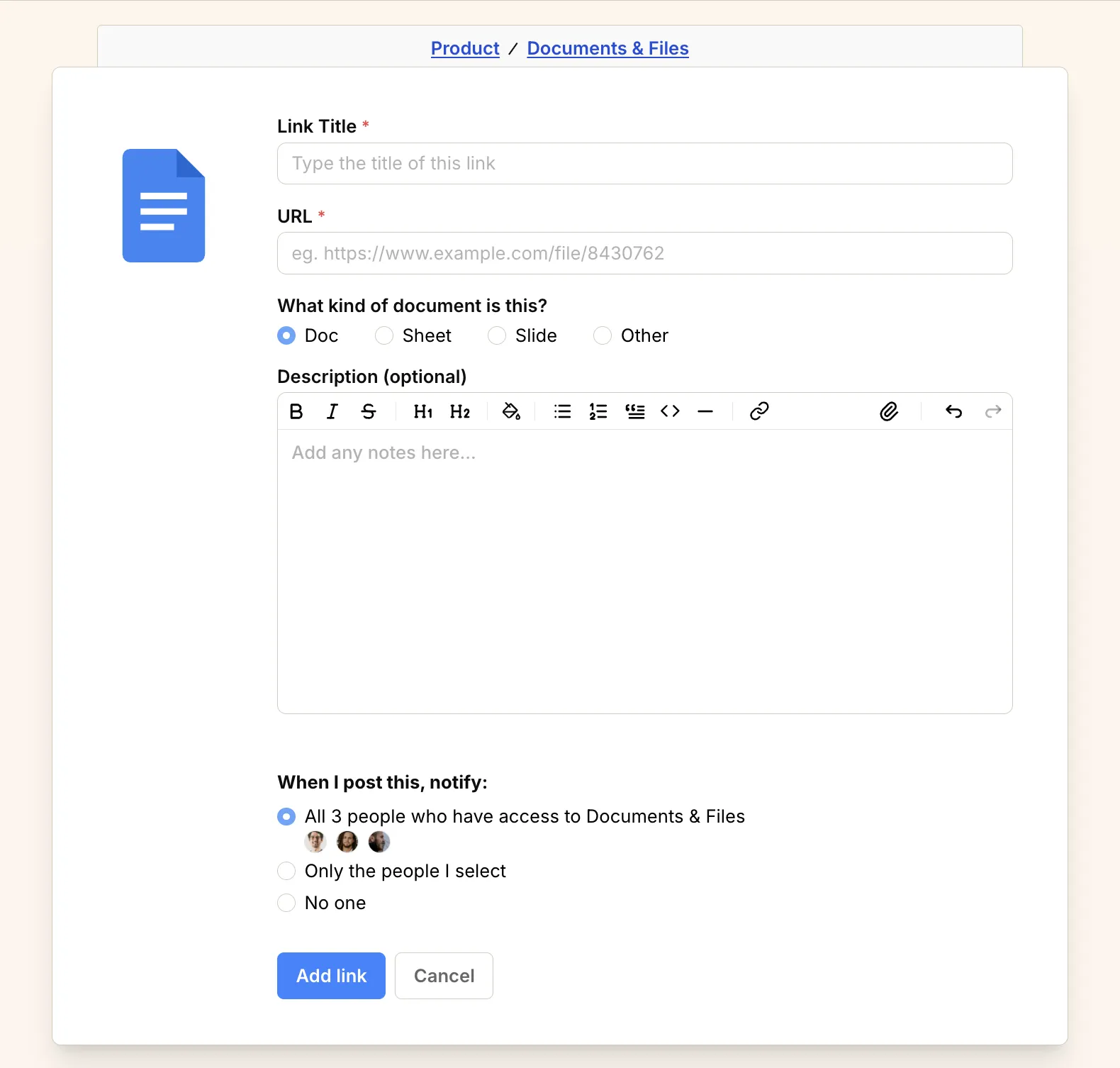
- Enter a name for the link, the URL, and add an optional description.
- Click Add link to save.
Members of the space will be notified that a new file was added.